Fallout Shelter Nuka Cola Quantum: How to Get and Use It
Fallout Shelter Nuka Cola Quantum is best treated as a premium time-saving item, not as an ordinary vault resource. You can earn or receive it through several normal reward paths, but there is no dependable room that produces an unlimited supply. The practical question is when a Quantum spend solves a real bottleneck, and when it is better to wait, prepare the team, or keep the item for a longer trip.
Quick Answer: What Does Nuka-Cola Quantum Do?
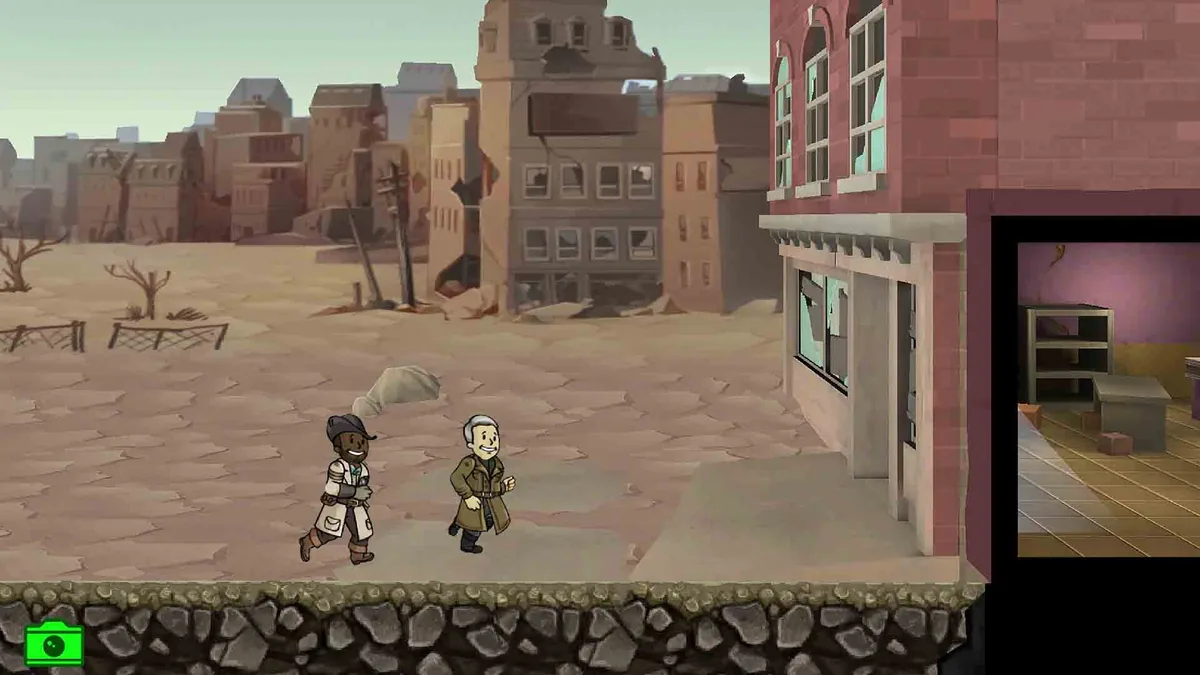
Nuka-Cola Quantum is a premium item that can remove or shorten selected waiting steps when the game offers a Quantum option. The most useful examples are long quest-travel or other time gates blocking a prepared team. The exact button, cost, and eligible action can vary by platform, game state, or current event, so read the prompt in front of you instead of assuming every timer can be skipped.
Quantum does not strengthen a dweller, repair a save, or replace food, water, and power planning. If a team is under-equipped, it only moves the problem forward faster. That distinction keeps this guide separate from the site's broader Fallout Shelter cheats guide: the goal here is resource judgment, not a shortcut list.
What Fallout Shelter Nuka Cola Quantum Is and Is Not
The name makes Quantum sound like another room-produced bottle, but it behaves more like a premium convenience item. Regular vault production covers food, water, and power; Quantum belongs to reward, purchase, or time-saving situations. Count it separately from the resources that keep the vault alive.
| Question | Practical answer | What to verify in-game |
|---|---|---|
| Can a normal room produce it? | No on-demand Quantum production loop should be planned around. | Check the current room and reward descriptions; do not confuse a Nuka-Cola Bottler with premium currency. |
| Does it improve combat? | No. It saves time or unlocks a displayed convenience action; the team still needs health, gear, and supplies. | Look at the action prompt before paying to rush it. |
| Is every source permanent? | No. Objectives, quests, events, and Store offers can change. | Read the current reward preview, expiry note, and platform offer. |
| Is a very large save value safer? | No. Large or untested edits make restore and troubleshooting harder. | Keep an untouched copy and test a small change first. |
How to Get Nuka-Cola Quantum Through Normal Play
There is no permanent farming schedule for every vault. Start with the reward systems already in your play loop and treat each source as a possibility, not a guarantee.
| Source | What may happen | Best habit |
|---|---|---|
| Objectives | Some objective chains can offer Quantum or another premium reward. | Read the reward preview before spending more caps or supplies to finish the task. |
| Lunchboxes | Reward packs can contain different item types, depending on the current pool. | Open them for the normal reward, not because a guide promised one exact bottle count. |
| Quests and events | Selected questlines or limited events may show Quantum in their rewards. | Check the current quest screen and expiry details; do not copy an old event schedule. |
| In-game Store | Quantum may appear in a paid bundle or offer. | Compare the complete offer and price. A purchase is not a free farming method. |
| Save editing | A copied save can expose a resource-related field in an unofficial workflow. | Use it only for a controlled test with an untouched backup and a practical value. |
For reward context, read the lunchboxes guide; for team readiness, use the quests guide. This page focuses on whether a Quantum spend is worth the time it saves.
When to Spend Quantum and When to Wait
A good Quantum decision is about opportunity cost. Ask what is blocked, whether the team is ready, and whether the saved time changes the result of your session. If the answer is only “I do not want to watch a short timer,” keeping the item is usually sensible. If a long trip is preventing a prepared team from reaching a limited quest or a planned vault milestone, the convenience has a stronger case.
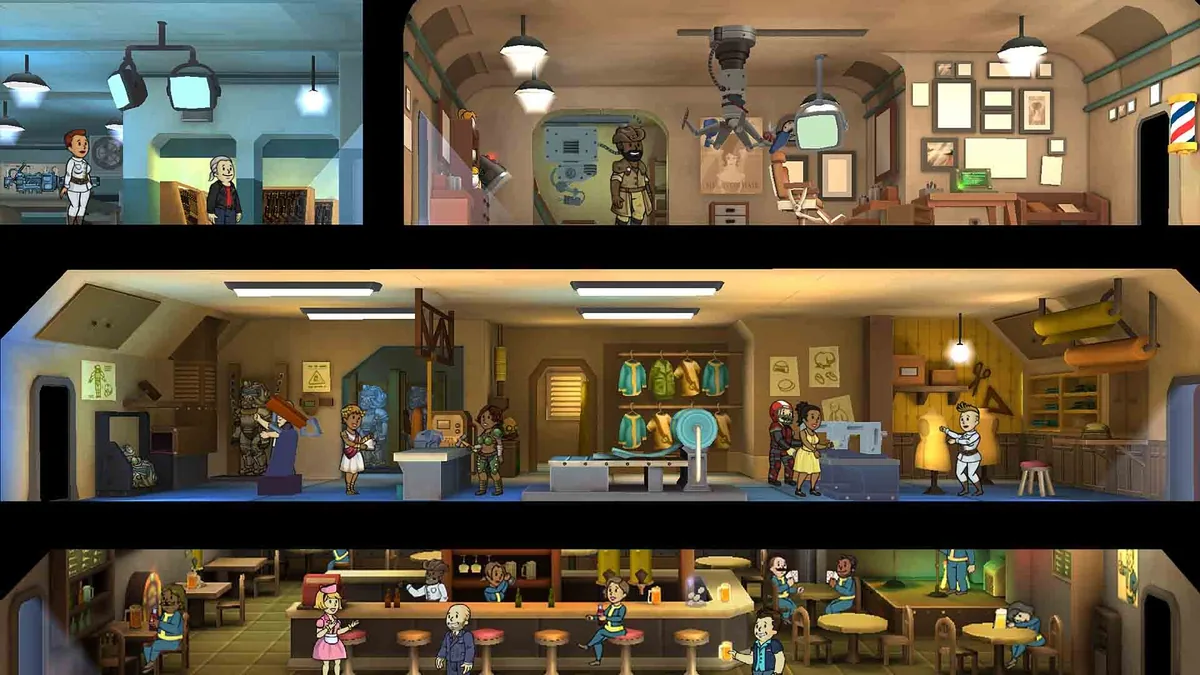
Use Quantum to remove a wait, not to skip the decision about whether the team can survive the destination.
What “Fallout Shelter Nuka Cola Quantum Cheat” Searches Really Mean
Searches for a Quantum cheat usually combine three very different requests:
- Normal acquisition: the player wants to know which objectives, quests, events, or offers can provide the item.
- Time-saving advice: the player already has Quantum and wants to avoid wasting it on small or low-value skips.
- Save editing or an APK: the player wants to change a stored value or install an unofficial tool.
Only the first two are ordinary gameplay questions. An unknown APK can introduce device, privacy, or save-file risk, and a memory tool can make it difficult to recover when the game updates or the wrong process is edited. A browser save editor is easier to control because you can work from a copied file, but it remains an unofficial modification. Do not present a save edit as an official reward method.
Safe Copied-Save Editing Workflow
If you deliberately test a Quantum-related value, start with the correct slot and a copy, not with the only file that still loads.
- Close Fallout Shelter and identify the active file, such as
Vault1.sav. Confirm the platform and the file's modified time. - Copy the original to a separate recovery folder. Keep one untouched copy that you never upload, rename over, or place inside the cloud-sync path.
- Open the copy in the Fallout Shelter Save Editor. If the file will not load, stop and use the save repair guide instead of stacking more edits.
- Change one small resource group. Do not combine Quantum with mass dwellers, extreme SPECIAL values, room unlocks, quest progress, and item batches in the same test.
- Download under a new filename, restore it only to the intended slot, and keep the original nearby but untouched.
- Launch the game, check the Quantum value and one ordinary vault action, save, close, and reopen. A value that appears once but does not survive a restart is not a successful test.
Use practical ranges, not a number chosen only because it looks unlimited. The max values guide explains why large values create confusing symptoms; if the vault reverts, check the cloud save guide after restoring the clean copy.
Common Quantum Mistakes
- Confusing Quantum with production: a healthy vault can still have a scarce premium item.
- Spending before preparing: a rushed team still needs weapons, healing, and a return plan.
- Trusting a fixed list: rewards, offers, and events can change, so check the current screen.
- Editing or downloading blindly: wrong files, large batches, and unknown APKs make recovery harder.
Fallout Shelter Nuka Cola Quantum FAQ
What is Nuka-Cola Quantum used for in Fallout Shelter?
Nuka-Cola Quantum is a premium item used when the current game prompt offers a way to skip or shorten certain travel or waiting steps. It is not a normal food, water, power, or cap production resource.
How do you get Nuka-Cola Quantum in Fallout Shelter?
Normal sources can include objectives, lunchboxes, selected quests or events, and Store offers. Check the current reward screen instead of trusting an old fixed list.
Can you produce Nuka-Cola Quantum in a room?
No normal vault room or crafting cycle produces Quantum on demand. Treat it as a premium item and use the current in-game reward or Store screen as the source of truth.
Is there a safe Nuka-Cola Quantum cheat?
Unknown APKs and memory tools are not automatically safe. A copied save may expose a Quantum-related value in a browser editor, but the original file should remain untouched and every edit should be small and tested.
Should you spend Quantum on every rush?
No. Save it for a long wait, a time-sensitive quest, or a clear bottleneck when your team is ready. If the timer is short and nothing important is blocked, waiting is usually the lower-risk choice.
Final Recommendation
Use Fallout Shelter Nuka Cola Quantum as a deliberate time budget: earn it through the current reward systems, save it when the vault is unstable, and spend it when a long wait blocks a prepared plan. For save editing, copy the correct Vault#.sav, change one small group, test after a restart, and keep the clean original outside the sync path.
Official and Community References
- Official Fallout Shelter Steam listing — official game context and screenshot source.
- Official Bethesda Fallout Shelter page — official game and platform context.
- Fallout Wiki Nuka-Cola Quantum reference — community-maintained item context; current in-game text takes priority.