Fallout Shelter Lunchboxes: Rewards and Safe Tips
Fallout Shelter lunchboxes are random reward packs, not a guaranteed shortcut to one specific dweller or weapon. The dependable approach is to collect them through normal objectives, quests, events, or the in-game Store, then treat each opening as a chance to improve the vault rather than a promise of a legendary item. If you are researching a lunchbox cheat, separate ordinary reward advice from unofficial save editing before you change anything.
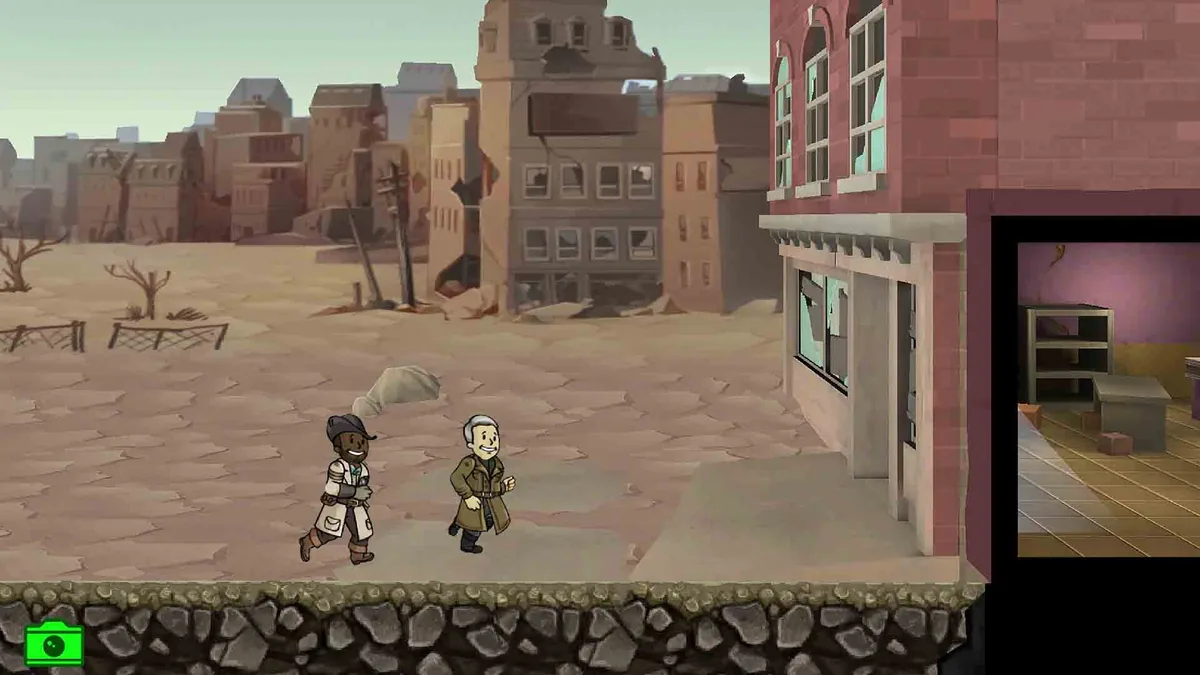
How to Get Fallout Shelter Lunchboxes
The short answer is to watch the reward systems you already use. Bethesda's support guidance identifies Objectives as a normal way to earn Lunchboxes, while the game's quest, event, and Store systems can expose other reward or purchase routes. The exact mix changes with the objective, questline, event, platform, and current in-game offer, so an old list should not be treated as a permanent schedule.
| Source | What to expect | Practical approach |
|---|---|---|
| Objectives | Some completed objective chains award a Lunchbox. | Read the reward preview and choose tasks that fit normal play. |
| Quests and events | Selected quest or limited-time reward tracks may include one. | Check the current reward list and expiry notice; drops are not universal. |
| In-game Store | Lunchboxes may appear as a paid item or bundle. | Compare the full offer and price. A purchase is not a free method. |
| Promotions | Login campaigns and special offers can be temporary. | Use the current in-game notice, not an old copied date. |
| Save editing | A copied save may expose editable counts, but this is unofficial. | Back up first, change one value, and keep the original untouched. |
“Free lunchboxes” means earned rewards, not an always-on generator. Objectives are the cleanest place to start. If a task needs a costly rush or risky expedition, compare that cost with the reward before chasing the box.
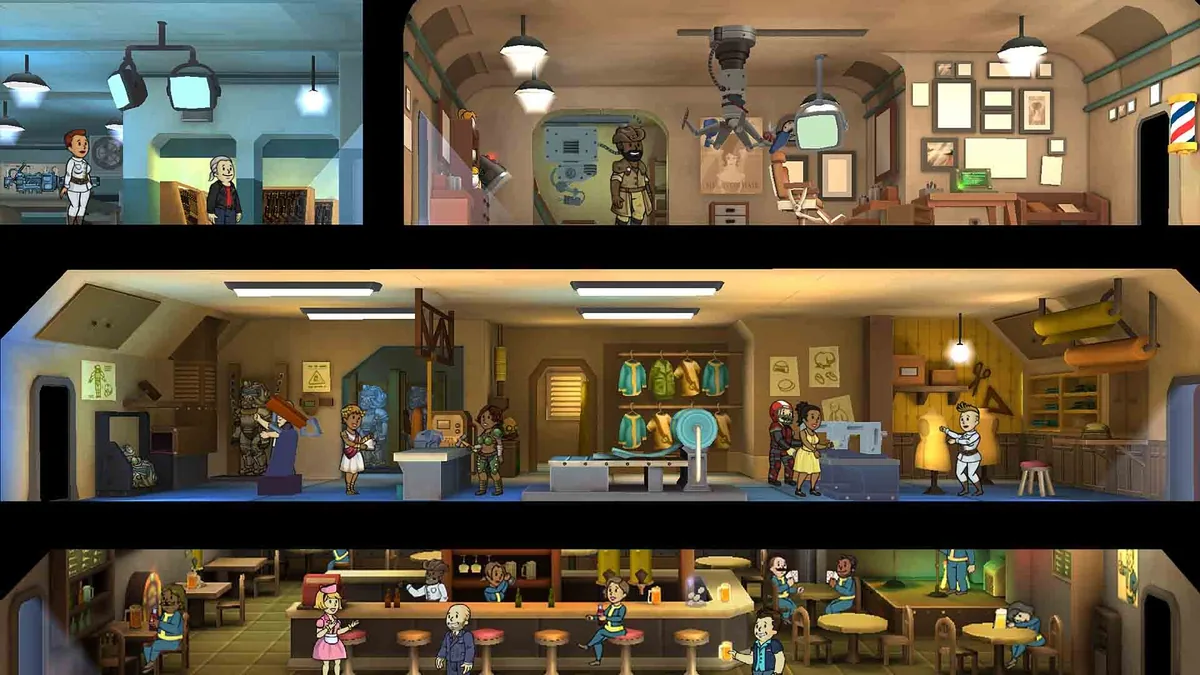
What Is in a Fallout Shelter Lunchbox?
A Lunchbox is a bundle of random reward cards, not a direct order form. You may receive caps or supplies, a weapon or outfit, a Dweller, or another item from the current reward pool. Treat the result as random unless the current reward screen says otherwise.
| Reward type | Why it may matter | What to check after opening |
|---|---|---|
| Caps and resources | They can remove a short-term bottleneck. | Confirm the amount and spend it on the highest current constraint. |
| Weapons | They can help a defender, quest team, or explorer. | Compare damage and role fit, not just the biggest number. |
| Outfits | SPECIAL bonuses can improve a room assignment. | Equip the relevant specialist and keep a backup for another team. |
| Dwellers | A new Dweller may add useful SPECIAL combinations. | Check role, health, equipment, and assignment before sending them out. |
| Other items | Rare or event-linked items may support collection goals. | Record what arrived and read the current item description. |
Do not open a box expecting one named legendary Dweller, one exact outfit, or a fixed number of caps. Early on, supplies may stabilize a vault; later, an outfit or weapon may be more useful. Match the result to the next job instead of rebuilding everything at once.
How to Open Lunchboxes Without Wasting the Reward
Before opening several boxes, note current resource totals and active teams. That gives you a before-and-after reference and prevents you from selling or assigning a new item before comparing it with what the vault already has.
Do not burn scarce supplies just because a guide promised a box. Compare the task cost with the reward; a stable vault that earns one later is better than a damaged vault that completes one today. For team preparation, see the Fallout Shelter quests guide; for room roles, use the SPECIAL stats guide.
What “Unlimited Lunchboxes” Searches Really Mean
Searches for “Fallout Shelter lunchbox cheat” usually mix three goals:
- More earned rewards: the reader wants objectives, events, or quests that can provide another box.
- A save edit: the reader wants to change a count in a copied vault file and then test it.
- An APK or download: the reader is being offered an unknown modified app or a promise of unlimited items.
These are not equivalent. A normal reward is supported by the game. A save edit is unofficial and can fail if the file is malformed, overwritten by cloud sync, or restored to the wrong slot. An unknown APK adds device and privacy risk; “unlimited” marketing proves nothing. Use normal rewards first, then consider a copied-save workflow only when you understand recovery.
Safe Save-Editor Workflow for Lunchbox-Related Edits
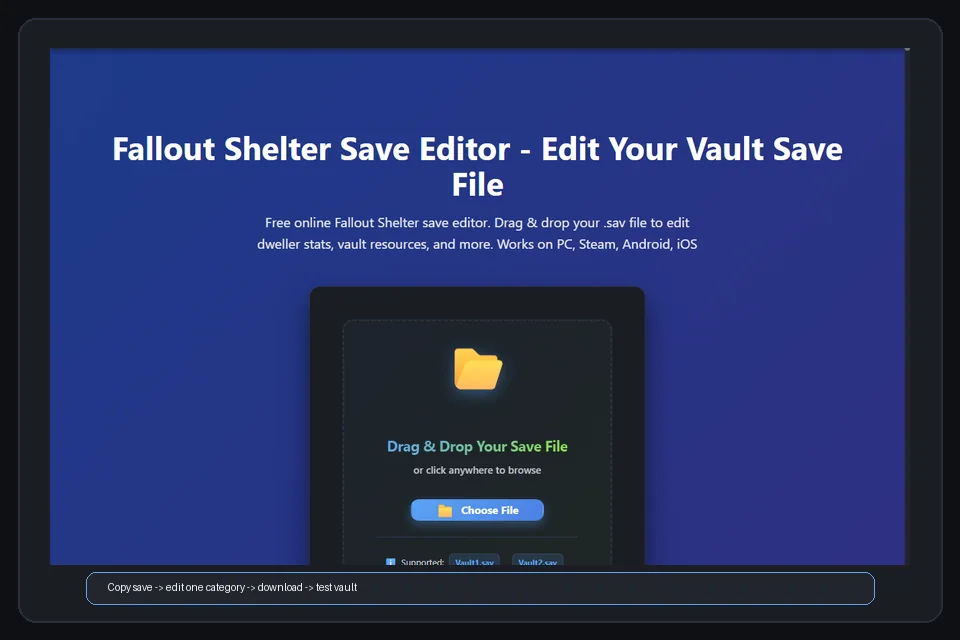
If your goal is to test a lunchbox-related save change, protect the original before opening the Fallout Shelter Save Editor. It works with supported vault files, but it cannot make an unsafe backup safe after the fact.
- Close the game and locate the correct slot, such as
Vault1.sav. Confirm the date and platform. - Copy the original to a separate folder and keep one untouched backup that you never upload or overwrite.
- Pause or control cloud sync so it cannot replace your local test with another version.
- Edit one small category and download the result under a different filename. Do not combine lunchboxes with mass Dweller, quest, resource, or extreme SPECIAL edits.
- Restore only to the intended slot, launch the game, inspect the vault, save, close, and reopen to confirm persistence.
If the vault does not load, stop editing the broken copy and restore the backup. Then follow the Fallout Shelter save repair guide. If a count is unchanged, check the slot and cloud-sync state before trying again.
Common Lunchbox Mistakes and Recovery Steps
- Chasing one exact card: random results can cost more time or money than the item is worth. Decide whether the real goal is a stronger team, a collection milestone, or stable resources.
- Combining too many edits: changing lunchboxes, resources, dwellers, outfits, and quest progress together removes your ability to troubleshoot. Make the smallest useful test.
- Restoring the wrong file: compare slot number, modification time, platform, and backup name before restoring; never overwrite the only copy.
- Skipping recovery: know where
Vault1.sav.bkpor your manual backup is stored. The cloud-save and transfer guide explains why local, cloud, and edited files should stay separate until testing is complete.
Fallout Shelter Lunchboxes FAQ
How do you get Fallout Shelter lunchboxes?
Normal sources include objectives, selected quests or events, and the in-game Store. Check the current reward description because no source guarantees the same result every time.
What do Fallout Shelter lunchboxes contain?
They are random reward packs that can contain caps, resources, weapons, outfits, dwellers, and other current-pool items. Do not expect one named legendary reward.
Can you get unlimited lunchboxes in Fallout Shelter?
There is no universal legitimate method for unlimited free lunchboxes on every platform. Save editing is unofficial; keep the original separate and follow the iOS save editor guide or the correct platform guide.
Should you save lunchboxes before opening them?
Keep a backup for recovery, not as a guaranteed reroll method. Open normally, record the result, and prevent cloud sync from replacing the tested file.
Is a Fallout Shelter lunchbox cheat APK safe?
An unknown APK is not automatically safe and may expose the save or device to unwanted changes. Prefer normal rewards or a copied-save workflow; use the save-file locations guide if unsure.
Final Recommendation
Start with objectives and the current in-game reward screens. Use lunchboxes as a flexible boost for a real vault need, not as a promise of one perfect item. When a lunchbox cheat search leads you toward save editing, make a copy first, change one small category, test the correct slot, and keep a recovery file outside the sync path. That boundary keeps the useful part of the editor workflow separate from risky downloads and prevents one random reward from becoming a full vault-repair project.
Sources and Media
- Bethesda Support: How do I earn Lunchboxes in Fallout Shelter? — official guidance for normal objective-based rewards.
- Bethesda Support: What are Lunchboxes in Fallout Shelter? — official explanation of the reward pack.
- Fallout Wiki: Lunchbox (Fallout Shelter) — community-maintained reference for reward-pool details; game rules and event offers can change.