
What This Guide Covers
Quick Answer: What a Fallout Shelter Mobile Save Editor Can Do
The browser editor changes a copied Fallout Shelter save file. It does not edit the running game process, install a mod menu, or replace the official Android/iOS app. Once you have a file such as Vault1.sav, you can open the online Fallout Shelter Save Editor, adjust supported vault, dweller, room, recipe, or wasteland fields, then download an edited copy for testing.
The main difference between Android and iOS is file access. Android players may be able to copy the file directly with a capable file manager, although newer Android versions can restrict Android/data. iPhone and iPad players usually export app data through a computer workflow before editing. In both cases, the editor step is similar: load a copy, make a small change, download it, and test it with the original backup still untouched.
Best practical answer: Android is usually the shorter route when the save folder is accessible. iOS is more deliberate because export and restore are normally handled through a computer. If mobile file access becomes frustrating, transfer the copied save to a PC and use the same browser editor there.
The Shared Mobile Save-Editing Workflow
Before choosing a platform-specific method, use the same safety sequence for every device. This keeps a file-access problem from becoming a save-repair problem.
- Close Fallout ShelterExit the game and remove it from recent apps where possible. A running game can write a newer local state while you are copying or restoring a file.
- Find the correct vault slotLook for
Vault1.sav,Vault2.sav, orVault3.sav. If you use more than one vault, keep every slot in the backup folder instead of guessing. - Make an untouched backupCopy the full save folder when possible, then create a dated backup outside the game folder. Never use the only original as the file you upload to the editor.
- Edit one category at a timeStart with a small resource, dweller, or equipment change. Smaller test batches make it easier to identify a bad field if the vault later fails to load.
- Restore and test before repeatingKeep the filename and vault slot consistent, launch the game, save normally, close it, and reopen it. Only then make another backup and another edit.
For a full editor walkthrough after the file is ready, use the complete save editor tutorial. If the file already fails to load, stop editing and follow the Fallout Shelter save repair guide first.
Android: Find and Edit Vault1.sav Without Root
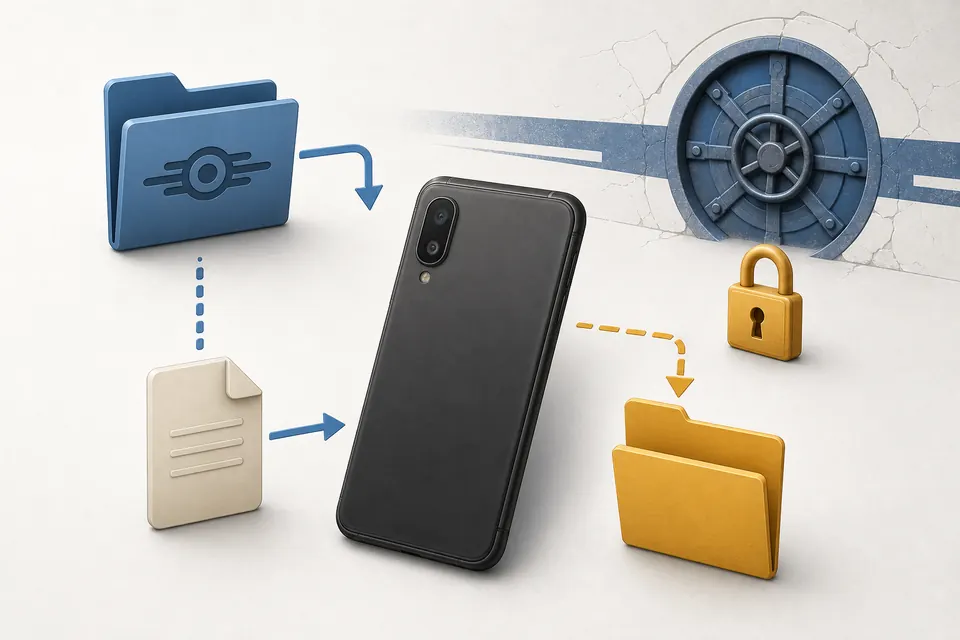
Android is often the easiest mobile platform for save editing because a file can sometimes be copied directly from shared storage. The usual folder is /storage/emulated/0/Android/data/com.bethsoft.falloutshelter/files, with /sdcard/Android/data/com.bethsoft.falloutshelter/files appearing in some file managers. The exact display can vary by Android version and device manufacturer, so use the platform save-location guide when you need a path reference.
Why Android/data May Look Empty
On Android 11 and newer, storage rules restrict how other apps access an app's app-specific external directory. Google documents this behavior in its Android storage documentation. A file manager may therefore show an empty or inaccessible Android/data folder even while Fallout Shelter can still read its own save. That is an access limitation, not proof that the vault disappeared.
Try a file manager that can request access through Android's system picker. If that does not work, copy the save through USB to a computer, or use the ADB fallback described in the dedicated Android save editor guide. Do not uninstall the game while troubleshooting: removing an app can also remove app-specific data that you still need to recover.
Android Restore Checklist
- Keep the untouched original in a separate folder and do not rename it over the working copy.
- Download the edited file to a normal folder such as Downloads before moving it back.
- Restore the same vault slot and filename; do not replace
Vault1.savwith a file intended for another slot. - Close any file manager and the browser after the copy if the device keeps a file lock.
- Launch Fallout Shelter, check the vault, save once, close the game, and reopen it before making another edit.
iPhone and iPad: Export the Save Before Editing
iOS uses a more controlled app-storage model, so the file is usually not visible in a normal Files folder. The practical route is to export the app data through a computer tool, identify the Fallout Shelter save, edit the copied file in the browser, and restore it through the same tool. The dedicated iOS save editor guide covers the detailed iMazing and Finder/iTunes paths.
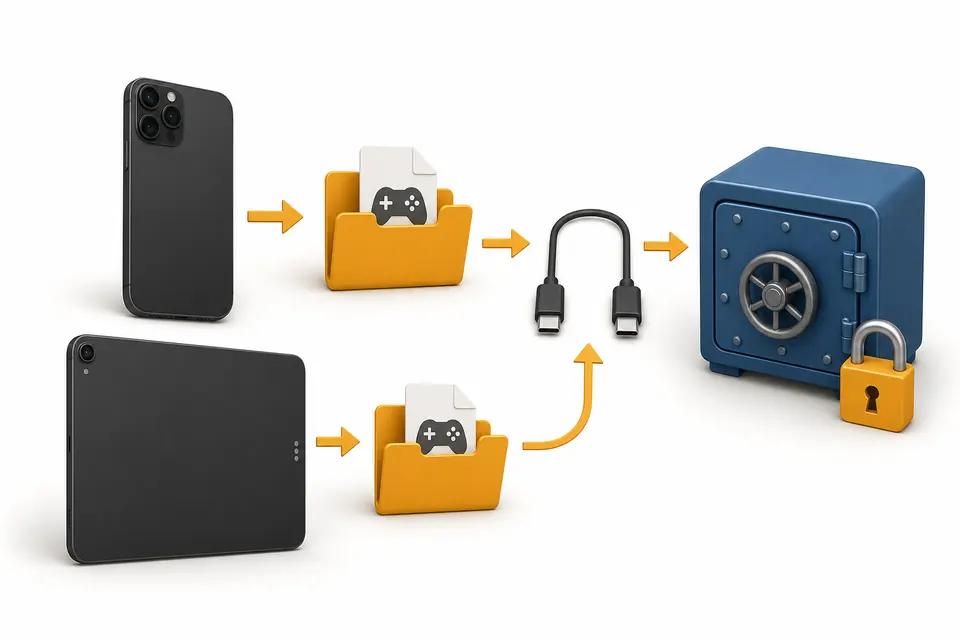
For a no-jailbreak workflow, treat iMazing or Finder/iTunes File Sharing as the file-transfer layer, not as the save editor itself. iMazing's documentation explains how app data can be exported and restored; use the official tool documentation for the current interface because button names can change. If you use a third-party transfer tool, download it from its official site and keep a local backup before changing anything.
iOS Restore Checklist
- Make an encrypted or otherwise clearly dated device/app-data backup before extracting a file.
- Work on a duplicate of
Vault1.sav, not directly inside the exported backup package. - Keep the original export until the edited vault has launched, saved, closed, and reopened successfully.
- Restore through the same export tool and do not mix a partial app-data folder with an unrelated device backup.
- Do not use a jailbreak-only method unless you already accept its device and data risks; it is not required for the browser editor workflow.
Android vs iOS Mobile Save Editor Comparison
| Decision point | Android | iPhone / iPad |
|---|---|---|
| Where the difficulty is | Accessing Android/data on newer devices. | Exporting and restoring app data through a computer. |
| Can the editor be used without an APK? | Yes. Edit a copied .sav in the browser. | Yes. Export the copied save, edit it in the browser, then restore it. |
| Best first method | Trusted file manager with system-folder permission. | Computer export using Finder/iTunes File Sharing or iMazing. |
| When to use a PC | When the phone hides the folder or backups are difficult to compare. | Almost always; it makes export, naming, and rollback easier. |
| Main restore risk | Wrong vault slot, game still open, or cloud sync restoring another copy. | Partial restore, wrong backup, or mixing app data from different device states. |
| Best related guide | Android save editor guide | iOS save editor guide |
The editor itself is not a separate Android or iOS product. The platform-specific work is file movement. This is why a mobile comparison guide is useful even though the actual browser tool is shared: it helps you choose the correct transfer path before you touch the vault.
Cloud-Save Conflicts and Recovery
Cloud synchronization is helpful for normal play, but it should not be treated as the only backup before editing. A cloud service may hold a different vault state from the file you just changed. When the game shows a local-versus-cloud choice, read the timestamps and vault context carefully instead of selecting an option automatically.
Use the cloud save and transfer guide for platform-specific backup checks. If an edited file disappears, reverts, or stops loading, restore the untouched local backup first. Then pause the experiment, confirm which copy the game opened, and use the save repair workflow rather than repeatedly overwriting the cloud copy.
Do not troubleshoot by deleting backups. Keep the original .sav and any .sav.bkp files until the edited vault has passed a close-and-reopen test on the device.
Common Mobile Save-Editing Mistakes
Installing an APK before finding the save
Searching for a “Fallout Shelter save editor APK” often leads to unofficial downloads. An APK does not solve a missing or inaccessible Vault1.sav; it can add a second trust and compatibility problem. The APK alternative guide explains the browser-first route.
Editing the only copy
Even a small field change can make diagnosis harder if you overwrite the only working save. Keep a dated original and, for important vaults, a second backup in another location before you begin.
Restoring while the game is running
Fallout Shelter may write its current state when it closes or resumes. Close the game before copying a file back, then launch it only after the restore is complete. If the game keeps reverting the file, check cloud synchronization before making more edits.
Changing too many categories at once
Maxing resources, editing many dwellers, changing equipment, and unlocking rooms in one pass makes a failure difficult to isolate. Use one small category, test it, and create a new backup before continuing.
FAQ
Can I use a Fallout Shelter mobile save editor without an APK?
Vault1.sav, Vault2.sav, or Vault3.sav file to a normal folder, open the browser editor, download the edited copy, and restore it only after keeping the original backup.Is Android or iOS easier for Fallout Shelter save editing?
Android/data. iOS normally requires an export step through a computer tool such as Finder, iTunes File Sharing, or iMazing before the save can be edited.Does the mobile save editor upload my vault?
Why does Android/data look empty?
Can cloud save overwrite my edited mobile vault?
What should I do if the edited save will not load?
Official and Tool References
These links support the platform workflow rather than the editor's game-specific fields. Always follow the current instructions from the platform or tool owner because storage and transfer interfaces can change.
- Android Developers: storage changes in Android 11 — background for
Android/dataaccess restrictions. - Android Developers: data-storage use cases — current Android storage guidance.
- iMazing documentation: export and restore iOS app data — transfer-tool reference for the iOS workflow.
- Bethesda Support: Fallout Shelter cloud saving on Android and iOS — official cloud-save context.
- Bethesda Support: restore a saved vault from the cloud — official restore reference.
Final Recommendation
For most Android players, copy the save to Downloads, make a dated backup, edit the copy in the browser, and restore it only after closing the game. For iPhone and iPad players, export the app data through a computer first and keep the exported original until the edited vault has passed a full reopen test. The platform changes the file-access step; it does not change the need for a clean backup.