Fallout Shelter Bottle and Cappy: Rewards, Visits, and Safe Tips
Fallout Shelter Bottle and Cappy are special Nuka-World themed visitors, not ordinary room workers. When their event or quest prompt appears, use the current objective and reward preview as your guide, then collect the result without changing unrelated save fields. This page explains what the visit means, how to prepare, which rewards may appear, and how to avoid outdated spawn advice.
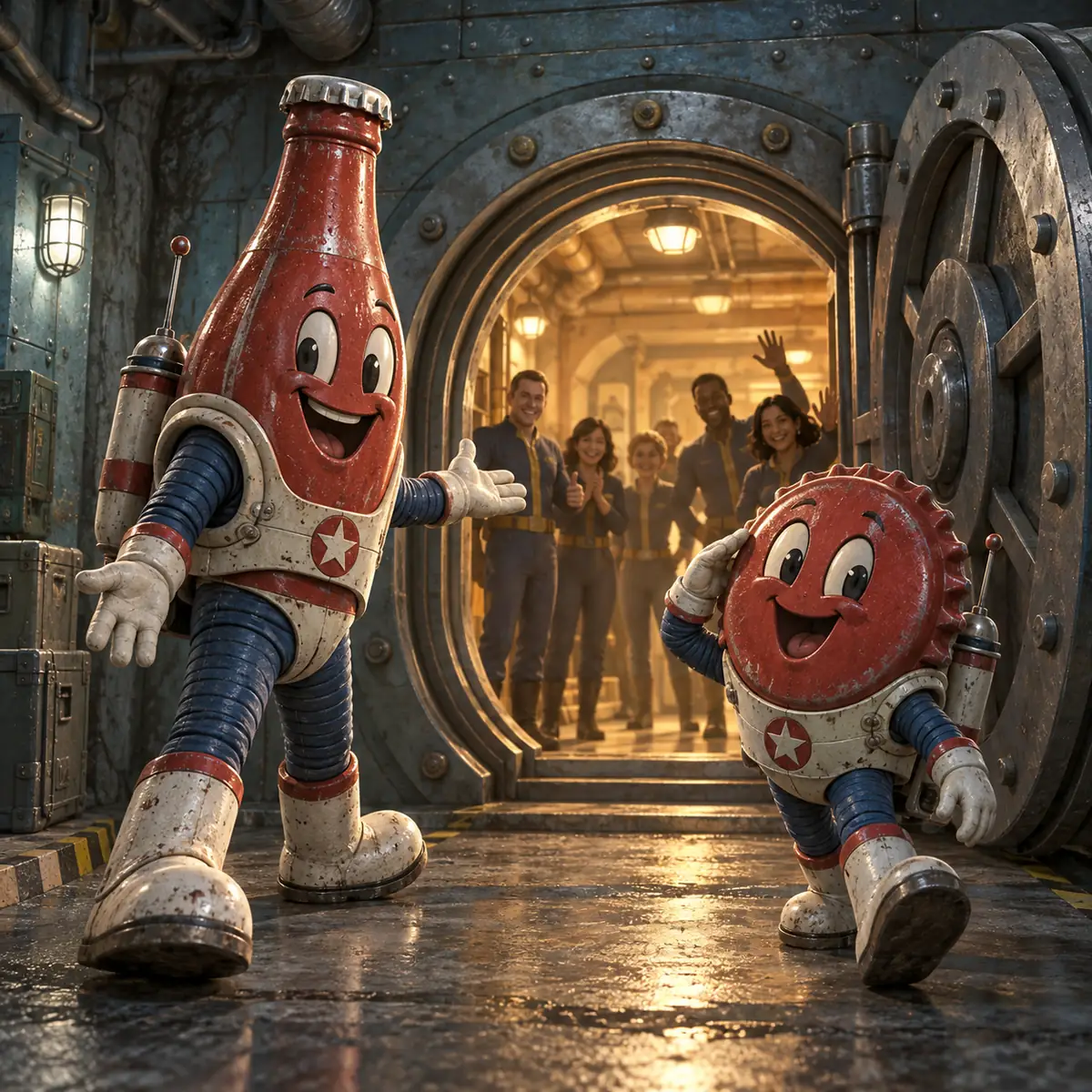
What Are Bottle and Cappy in Fallout Shelter?
Bottle and Cappy are the recognizable Nuka-World mascots that can appear through a special event or quest sequence in Fallout Shelter. They are easy to confuse with ordinary vault systems because the visit happens inside your normal save, but the characters belong to a temporary reward flow. They do not replace a Nuka-Cola Bottler, a pet, or a production-room worker, and their appearance should not be used as proof that a new permanent room has unlocked.
The useful distinction is visitor versus resource: a visitor triggers a prompt or displayed reward, while a resource is a stored vault number. Read the objective and reward panel instead of assuming every visit gives the same caps, Quantum, lunchbox, or collection item.
How to Find or Unlock Bottle and Cappy
Start with the quest and event screens rather than a random room tour. Open any objective that mentions Bottle, Cappy, Nuka-World, or a themed reward and note its requirements. Prerequisites and timing can vary, so an old fixed-room or minute-by-minute spawn claim is not universal.
If no related objective is visible, do not force the issue by restarting repeatedly or editing a guessed field. Reopen the quest list after normal timers resolve and remember that a missing visitor may simply mean a different prerequisite or event rotation.
For a broader explanation of mission prerequisites and team management, use the Fallout Shelter quests guide. That page covers ordinary quest teams; this page is specifically about the Bottle and Cappy event boundary.
Bottle and Cappy Rewards: What to Check
The safest reward rule is simple: trust the reward panel shown by your own game. Community lists are useful for ideas, but event pools and limited objectives can change. A reward that appeared in an older screenshot may not be attached to the current objective. Record what you actually received if you are tracking a collection, then continue with the next displayed step.
| Reward or result | How to interpret it | What to verify |
|---|---|---|
| Caps | A short-term currency reward that can help a room upgrade or purchase. | Check the cap total after closing the reward panel and avoid spending it before the save is confirmed. |
| Nuka-Cola Quantum | A premium time-saving item, not a normal production resource. | Compare the displayed amount with your vault total; see the Quantum guide before rushing a timer. |
| Quest or event progress | Completion may unlock the next step rather than an instant inventory item. | Reopen the objective list and confirm the step is marked complete. |
| Equipment or collection item | A themed reward can support a collection or a specific dweller role. | Check the item name, storage space, and whether it is already in the inventory. |
| No visible reward | The interaction may be a prerequisite or a trigger for a later prompt. | Read the objective text and wait for the next event state instead of editing a random number. |
Do not confuse a Bottle and Cappy reward with the ordinary output of a Nuka-Cola Bottler. The Bottler supports food and water production through Endurance assignments; it does not manufacture event visitors or guarantee Quantum. If your problem is a normal resource bottleneck, the SPECIAL stats guide explains which room assignments matter.
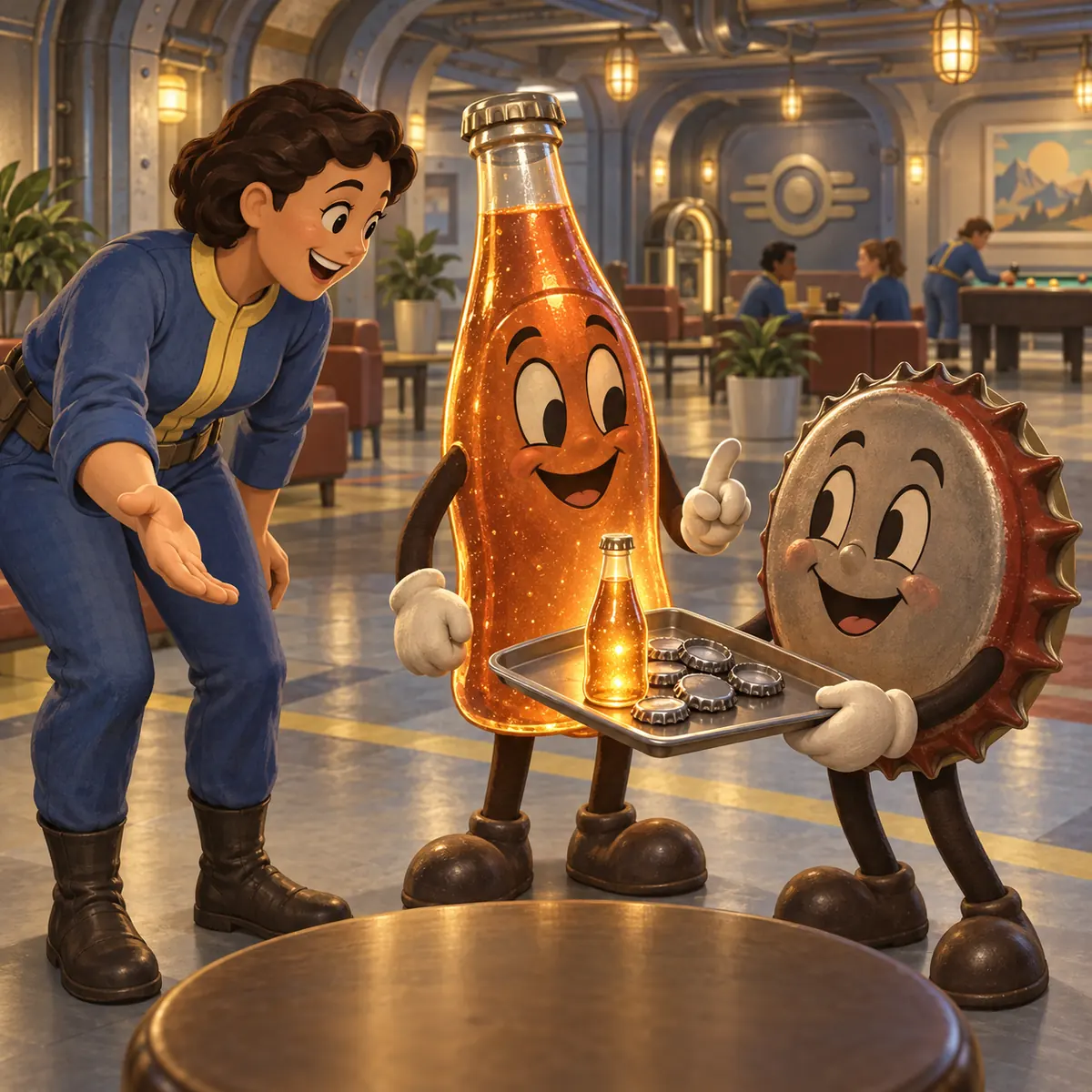
How to Handle the Bottle and Cappy Interaction
- Pause production decisions. Avoid starting a risky rush or sending a key dweller away while the event prompt is open.
- Read before tapping. Note the objective, time limit, and reward preview; a screenshot for your own notes can help if the wording is unfamiliar.
- Complete the displayed step. Use the highlighted visitor or button and wait for the confirmation animation or quest update.
- Check inventory and objective state. Compare caps, Quantum, equipment, and quest progress with the values shown before the interaction.
- Return to normal play. Keep a clean backup and only then spend the reward on a known vault need.
Treat the mascots as visitors rather than a combat encounter. Keep defenders, explorers, and production workers in their normal roles unless the displayed objective says otherwise.
Vault Preparation and Timing
A stable vault makes a temporary event easier to understand. Before you start a Bottle and Cappy objective, make sure food, water, and power are not already in a dangerous red zone. Leave a little storage space for equipment or collection items, and do not send every armed dweller into a quest at the same time. The first-floor layout guide is useful when you need a safer defender position while teams are away.
If the objective has a visible countdown, follow it. If there is no timer, do not invent one from a forum post; event rotations and platform states can differ.
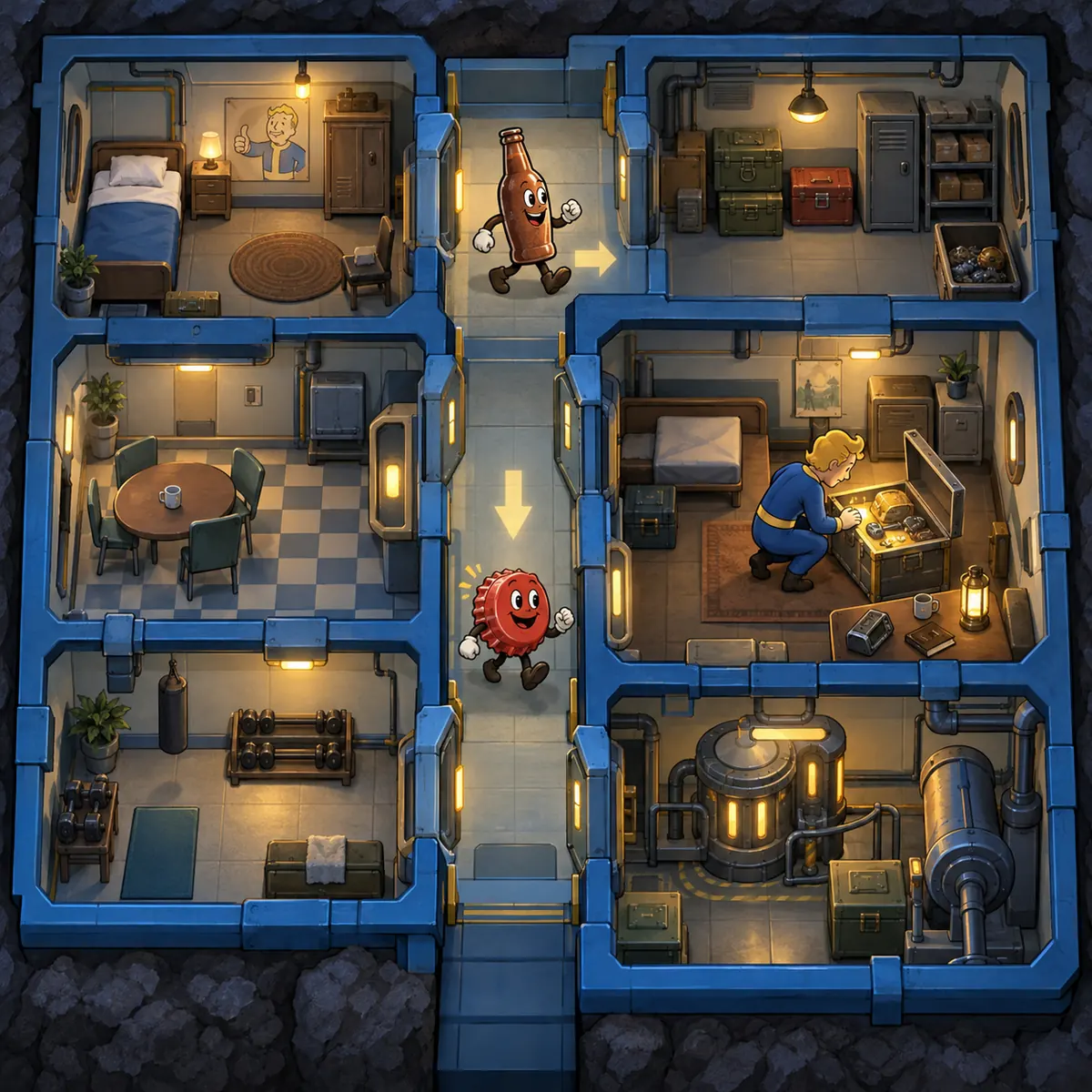
Common Bottle and Cappy Mistakes
- Expecting a guaranteed room spawn: an event prompt or quest state is more useful than a map rumor.
- Assuming every visit pays the same: read the current reward panel and record the result you actually receive.
- Confusing Quantum with Bottler output: the Bottler is a production room; Quantum is a premium time-saving item.
- Spending before verification: close the event, confirm inventory totals, and keep a backup before a large purchase or rush.
- Using every dwellers' action at once: fast tapping can skip the confirmation you needed to read.
- Editing an event flag: objective, visitor, reward, and completion fields may be connected inside a save.
- Relying on stale screenshots: interface wording and event availability can change across platforms or updates.
Bottle and Cappy Save Editing: Back Up First
Save editing is for a controlled correction, not for guessing an event flag. Keep an untouched copy of Vault1.sav or the active slot, pause cloud sync while verifying, make one small change, and test the file before changing anything else.
Event progress can link an objective, visitor, reward, and completion marker. Prefer normal completion; if you inspect a copied file, use the browser save editor only for supported fields, follow the save file locations guide, and keep the save repair guide ready. Never overwrite the only copy, and launch the game a second time to check persistence.
Fallout Shelter Bottle and Cappy FAQ
What do Bottle and Cappy do in Fallout Shelter?
They are special Nuka-World themed visitors tied to an event or quest flow. Use the current objective and reward panel to understand what the visit does in your vault.
How do you get Bottle and Cappy in Fallout Shelter?
Open the active quest or event list, meet the displayed prerequisites, and complete the required steps normally. Do not treat an old fixed spawn schedule as universal.
Do Bottle and Cappy give caps or Nuka-Cola Quantum?
The displayed event reward may include caps, Quantum, progress, equipment, or another item. Check the current reward preview and verify the inventory after the interaction.
Are Bottle and Cappy permanent workers or pets?
No ordinary visit should be treated as a permanent worker or a normal pet. Follow the event instructions and confirm the result in the roster and reward screen.
Why are Bottle and Cappy not appearing?
The prerequisite, event window, quest rotation, or platform state may not match an older guide. Check the current quest list, update through the normal platform channel, and avoid random save edits.
Can a save editor unlock Bottle and Cappy safely?
Event and reward fields can be linked. Back up first, prefer normal completion, and only test a small reversible change on a copied save if you understand the field and can verify the file.
Final Bottle and Cappy Checklist
- Read the current event or quest objective
- Keep food, water, and power stable
- Follow the visible interaction prompts in order
- Check the reward panel before spending anything
- Verify caps, Quantum, equipment, and progress afterward
- Keep an untouched save copy before editing
The best Fallout Shelter Bottle and Cappy strategy is careful observation: use the current event text, treat rewards as variable until displayed, and keep the save reversible.