Fallout Shelter Pets: Bonuses, How to Get Them, and Safe Save Editing
Fallout Shelter pets are bonus companions, not a universal room buff. The right pet can make one dweller better at a specific job, improve objective progress, help an explorer, or support a growing vault. The useful question is not “which pet looks rarest?” but “which bonus solves the job I am doing right now?”
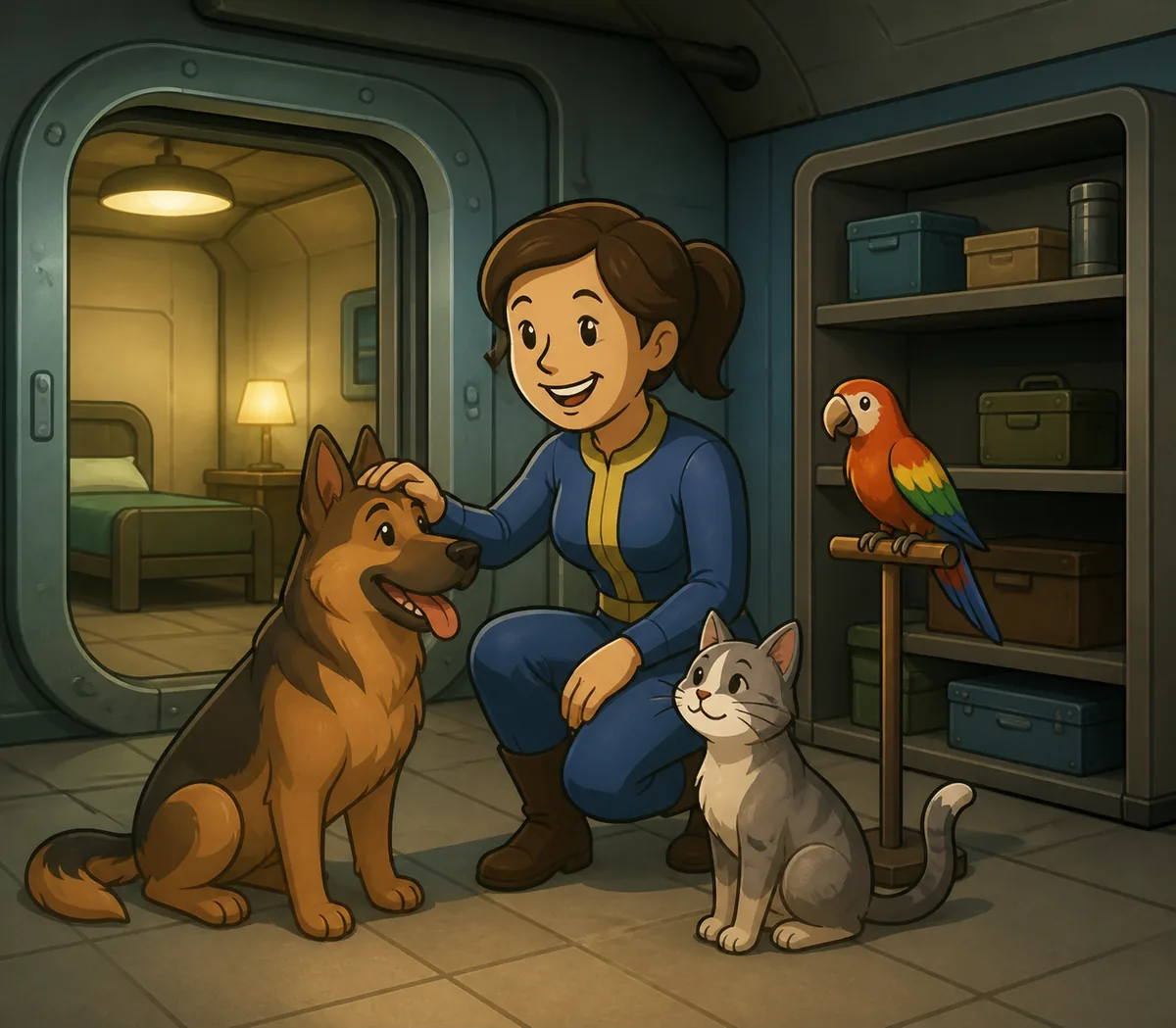
What Do Fallout Shelter Pets Do?
Pets are assigned to individual Dwellers and provide a bonus effect. Bethesda's support description groups pets into Common, Rare, and Legendary types and explains that the bonus is attached to the Dweller who has the pet equipped. That distinction matters because a pet is not automatically the same thing as a room upgrade.
A practical way to read a pet bonus is to identify the action it improves. Some bonuses are useful while a Dweller is working in a production room. Others make more sense for an explorer, a quester, a crafter, an objective runner, or a parent in the Living Quarters. The best pet depends on the task, the Dweller, and whether the bonus is active in that situation.
| Vault goal | What to look for | How to use it |
|---|---|---|
| Production | A bonus connected to the Dweller's current room job | Equip it to a dependable worker and compare the result with the same Dweller without the pet. |
| Exploration | Caps, items, junk, or survival-oriented effects | Give it to the explorer who will actually collect or trigger the reward. |
| Objectives | Objective-completion multipliers such as x2 or x3 | Place it on the Dweller contributing to the objective, then perform the action in the correct room or event. |
| Crafting | Crafting-time or crafting-related support | Assign it to a Dweller in the crafting room before collecting the result. |
| Growing vault | Child-health or breeding-related support | Use it for the specific Living Quarters situation instead of leaving it on a random worker. |
Do not judge a pet only by its rarity. A Common pet that improves the task you repeat every day can be more valuable to your vault than a Legendary pet whose bonus does not match any current goal. Keep a small note of which Dweller has which pet so you do not lose a useful assignment after rebuilding rooms or changing teams.
How to Get Pet Carriers and Pets
The most reliable answer to “how do I get Fallout Shelter pets?” is to use the game's normal reward and Store systems. Bethesda says Pet Carriers can be purchased in the in-game Store and can also appear more rarely in Lunchboxes and Objectives. The same support page notes a one-time free pet when a vault first reaches 15 dwellers.
Quests and objectives are therefore worth checking, but they are not a guaranteed fast route to a particular breed or bonus. If you need one specific effect, expect the process to be random and plan around the pets you already own. Do not build a vault strategy around an unverified promise that a carrier will always contain a Legendary pet or a particular companion.
If a purchased item does not appear immediately, use Bethesda's normal in-game collection and support steps before opening a save editor. A missing reward is a delivery or collection problem, not evidence that an unofficial APK or “unlimited carrier” download is required.
How to Choose the Best Pet Bonus
There is no single best pet for every Fallout Shelter vault. Choose by use case:
For production rooms
Start with the room that is currently limiting your vault. Assign a pet to a strong, frequently working Dweller and observe the actual output or task result. A pet attached to an idle Dweller cannot improve a room just because the Dweller happens to stand there. If you rotate workers often, record the assignment so the bonus does not quietly follow the wrong person.
For explorers and quest teams
Exploration and quest bonuses should follow the Dweller who leaves the vault. Pets do not replace the basics: a quester still needs a good weapon, enough health, useful combat stats, and Stimpaks and RadAway when appropriate. Use the Fallout Shelter quests guide for team preparation, then treat the pet as one additional layer of planning.
For objectives and collection progress
Objective-completion pets are valuable because they can change how the contribution of one Dweller is counted. The important detail is placement: the pet must be on the Dweller who contributes to the objective, and the action must happen in the correct room or event. If the objective says to collect, craft, survive, or stop an incident, check which Dweller is actually doing that work before assuming the multiplier failed.
For crafting and a growing vault
Crafting-time and child-health bonuses are situational. They become useful when you can create a repeatable routine around them, not when you equip them randomly. Move the pet to the relevant Dweller for the short period in which the action is performed, then return it to a long-term assignment if that is more valuable.
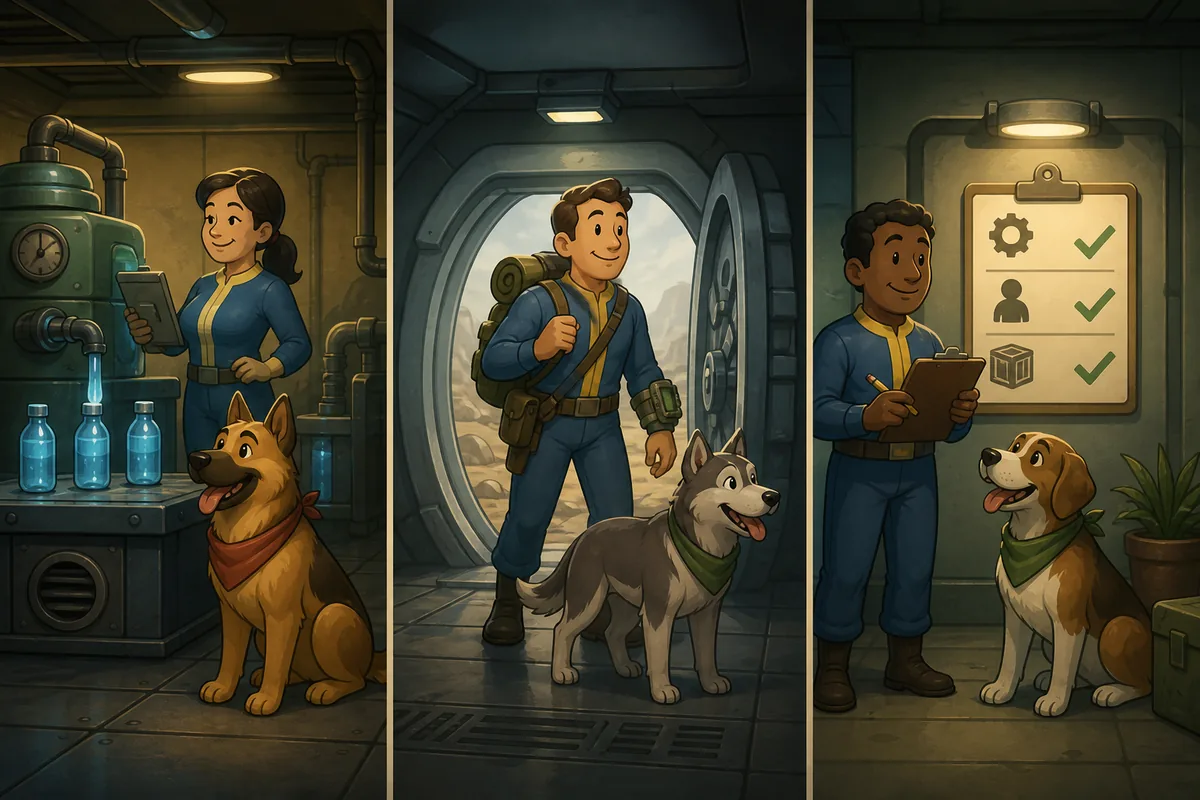
Do Pets Affect the Whole Room, Combat, or Quests?
Usually, no: a normal pet bonus follows the assigned Dweller rather than automatically buffing every worker in the room. Community references also document limits on how many pets can be equipped in a room. That means you should not fill a production room with pets expecting every worker to receive every bonus. The room can still matter for objective triggers, room actions, and assignment limits, but the pet's owner remains the first question to check.
Pets can be useful around combat and quests, but they are a secondary choice. A small extra combat effect is not a reason to send an underprepared Dweller outside the vault. Keep the team, weapon, health, healing, and SPECIAL stats correct first. If the team is already strong, a compatible pet can add value; if the team is weak, changing the pet will not fix the underlying problem.
When a pet appears not to work, test the exact action instead of guessing. Remove the pet, perform the same type of action, restore the pet, and compare the result. Use one Dweller and one variable at a time. Some effects are easy to observe in a room; others depend on reward generation, objective wording, or a later collection step.
Safe Save-Editor Workflow for Pet Edits
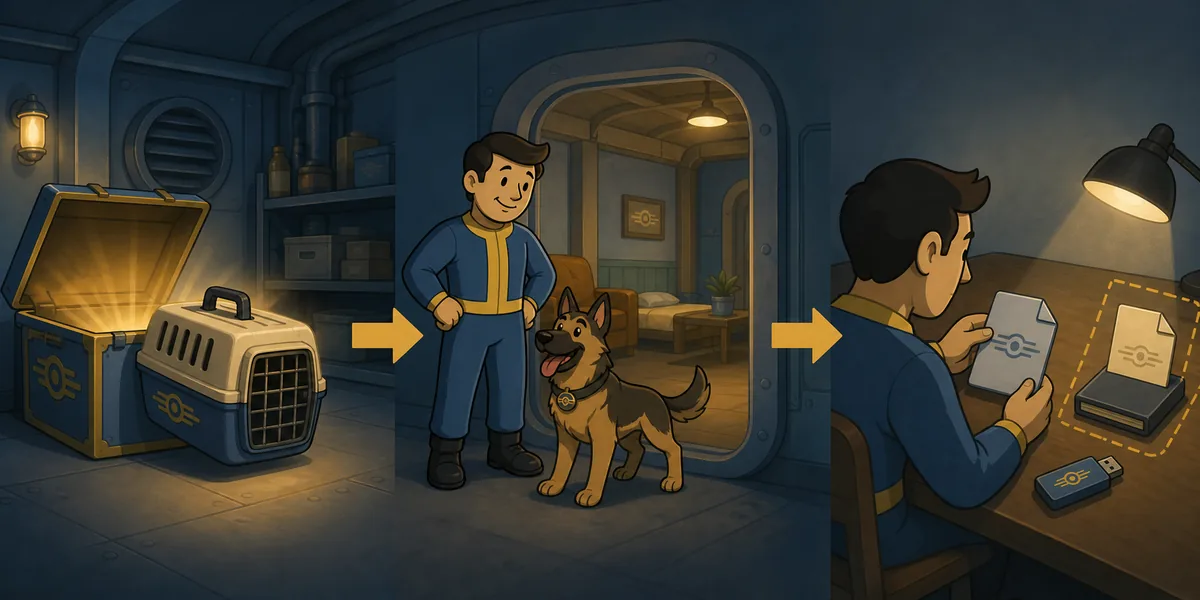
If you are using a Fallout Shelter save editor to adjust pet carriers or pet-related values, work on a copy of Vault1.sav, not the only active vault. The safest workflow is deliberately boring:
- Close Fallout Shelter and copy the active
Vault1.sav,Vault2.sav, orVault3.savto a separate backup folder. - Keep cloud sync paused or controlled while you test, so an older copy does not overwrite the result.
- Open the copied file in the browser-based Fallout Shelter Save Editor.
- Change one small pet or carrier category, download the edited file, and restore it only after the original is safe.
- Launch the game, inspect the vault, and perform one visible test before making another change.
Avoid combining a pet edit with maximum resources, mass dweller creation, extreme SPECIAL values, and quest-state changes in the same pass. When several linked records change together, a later loading problem becomes much harder to diagnose. The Fallout Shelter cheats guide explains why small, reversible edits are easier to recover than a large batch.
Fallout Shelter Pets FAQ
Do Fallout Shelter pets affect the whole room?
Usually no. A pet is assigned to a Dweller and its bonus normally follows that Dweller rather than automatically buffing every worker in the room. Room capacity can also limit how many pets are assigned, so check the owner and the room rule separately.
Do pets help attack or combat in Fallout Shelter?
A pet can be a minor extra for a combat Dweller, but it should not replace a strong weapon, health, healing supplies, or useful combat SPECIAL stats. Prepare the quest team first, then use a compatible pet as a secondary bonus.
What is the best pet in Fallout Shelter?
There is no universal best pet. Choose the effect that solves your current problem: production, exploration, objectives, crafting, child health, or another specific task. A lower-rarity pet with a useful bonus can be better than a rare pet you do not use.
How do you get Pet Carriers in Fallout Shelter?
Bethesda says Pet Carriers can be purchased in the in-game Store and can appear more rarely in Lunchboxes and Objectives. A free pet is awarded once when a vault first reaches 15 dwellers. Normal quests and objectives can also be useful, but do not assume a specific breed is guaranteed.
Can I edit pets safely with a save editor?
Use a copied vault save, make one small change, test the restored vault, and keep the untouched backup separate. Do not start by changing every pet, Dweller, resource, and quest field at once. For the file workflow, see the save editor how-to guide.
Final Recommendation
Use pets as targeted tools. Assign the companion to the Dweller who performs the action, select the bonus that matches the current vault goal, and keep a simple record of successful assignments. For any save edit, protect the original first and test one category at a time. That approach gives you the practical benefit of pet bonuses without turning a small quality-of-life change into a full vault recovery project.
Sources and Media
- Bethesda Support: What are Pets in Fallout Shelter? — official acquisition, assignment, rarity, and vault-limit details.
- Fallout Wiki: Fallout Shelter pets — community-maintained pet and bonus reference.
- Steam Community guide: Fallout Shelter, The FULL guide — community notes on room assignment limits and objective pets.