Fallout Shelter Deathclaw Attacks: When They Start and How to Survive
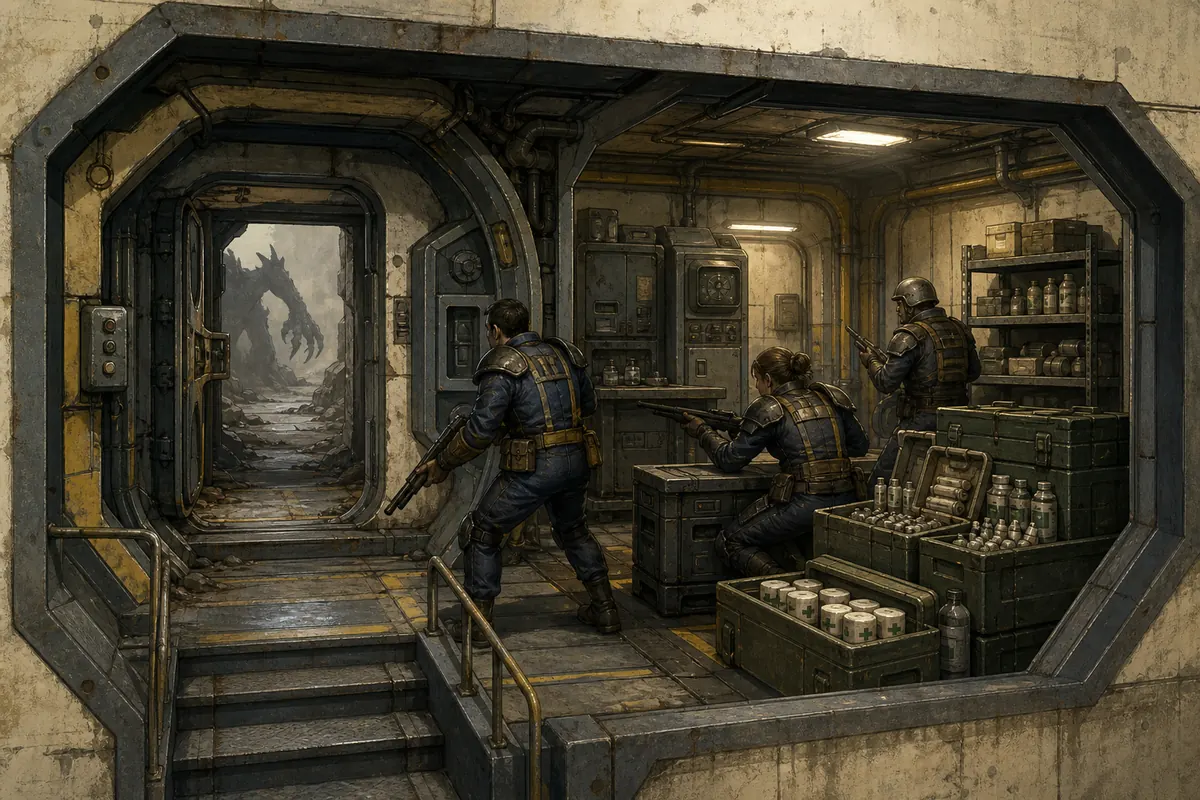
Fallout Shelter Deathclaw attacks are a preparation problem before they are a weapon problem. Community references commonly use about 60 dwellers in normal mode and about 35 in Survival mode as the point where attacks can become possible, but those numbers are not a precise timer. Prepare the first occupied room, keep reliable weapons and Stimpaks ready, and preserve a clean vault backup before your population reaches the boundary.
In This Guide
When Do Deathclaws Attack in Fallout Shelter?
The short version is that population changes the incident risk. Community references commonly point to roughly 60 dwellers in normal mode and roughly 35 dwellers in Survival mode as the point where Deathclaw attacks can enter the incident pool. The numbers are useful because they tell you when to stop treating the vault door as an afterthought. They should not be read as a guaranteed attack at the next minute, a fixed interval, or a universal promise across every version and mode.
The community Q&A used for this threshold context is not an official Bethesda schedule. It is better to treat it as a practical warning line: once your population is near the relevant boundary, finish the defense plan before adding more living quarters, radio recruitment, or low-level trainees. If your vault has already crossed the line, do not panic or delete rooms. Use the same checklist below and make the next incident easier to survive.
Why Fallout Shelter Deathclaw Attacks Are So Punishing
Deathclaws are dangerous because they combine a high-pressure entrance incident with movement through the vault. The first room is not the only room that matters. Every empty or weakly staffed room after the entrance gives the attackers more time to move, while every missing weapon or unhealed dweller reduces the damage your response team can maintain.
The most common mistake is to judge the vault by its total population or its rarest weapon. A large population can still be fragile if the best dwellers are training, exploring, crafting, or traveling. A legendary weapon can also be wasted when one dweller holds it alone while the rest of the entrance team has weak damage and no Stimpaks. Think in terms of a response system rather than a single hero.
| Risk | What it looks like | Better preparation |
|---|---|---|
| Empty entrance room | Deathclaws move through a living or utility room before meeting a real defender. | Keep the first occupied room fully staffed with capable, armed dwellers. |
| Best dwellers away | The strongest team is on a quest or in the wasteland when the incident starts. | Keep a second home-defense group and do not send every combat-ready dweller out together. |
| Weak shared damage | One dweller has a great weapon while the other defenders barely contribute. | Spread dependable weapons across the first response room and the next room. |
| No healing buffer | The room survives one wave but cannot recover before another incident. | Keep Stimpaks available for defenders and do not use every medical item before a population push. |
| No tested backup | A bad outcome is followed by repeated overwrites or a cloud copy that replaces the good vault. | Keep the original, working copy, and post-test copy in separate locations. |
Pre-Attack Preparation Checklist
Preparation is easiest when it happens before the population threshold, not during the first red health bars. Walk through this list whenever you add several dwellers, unlock a new floor, or move your strongest weapons to an expedition team.
- Identify the active entrance room. The first occupied room after the vault door should be a room you actually want staffed. Do not use an empty living quarter or a temporary storage room as your default shield.
- Keep the first six defenders healthy. A high SPECIAL total does not replace current health, level, weapon damage, and enough healing.
- Spread the useful weapons. Give the whole room dependable damage instead of putting every rare item on one dweller who can be defeated or moved away.
- Reserve home defenders. Send a quest team or explorer out only when the vault still has enough armed dwellers to handle an entrance incident.
- Move trainees away from the entrance. Training rooms are valuable, but new trainees are poor first responders when the vault is under pressure.
- Check Stimpaks and RadAway. Keep medical production and storage in a place where you can monitor it, and do not spend the entire buffer before a population expansion.
- Make a manual backup. Copy
Vault1.sav,Vault2.sav, orVault3.savwhile the game is closed, then keep the copy outside the active game folder. - Know the restore path. A backup only helps when you know which platform folder is active and whether Steam Cloud or mobile cloud can overwrite your test copy.
Best First-Floor Defense Layout
The best first-floor layout for Deathclaw attacks is not a single universal blueprint. The durable rule is to place a fully staffed, useful production room directly after the vault door, then keep the next response room close enough that defenders can reinforce it quickly. This is a more practical boundary than copying a late-game screenshot into an early vault.
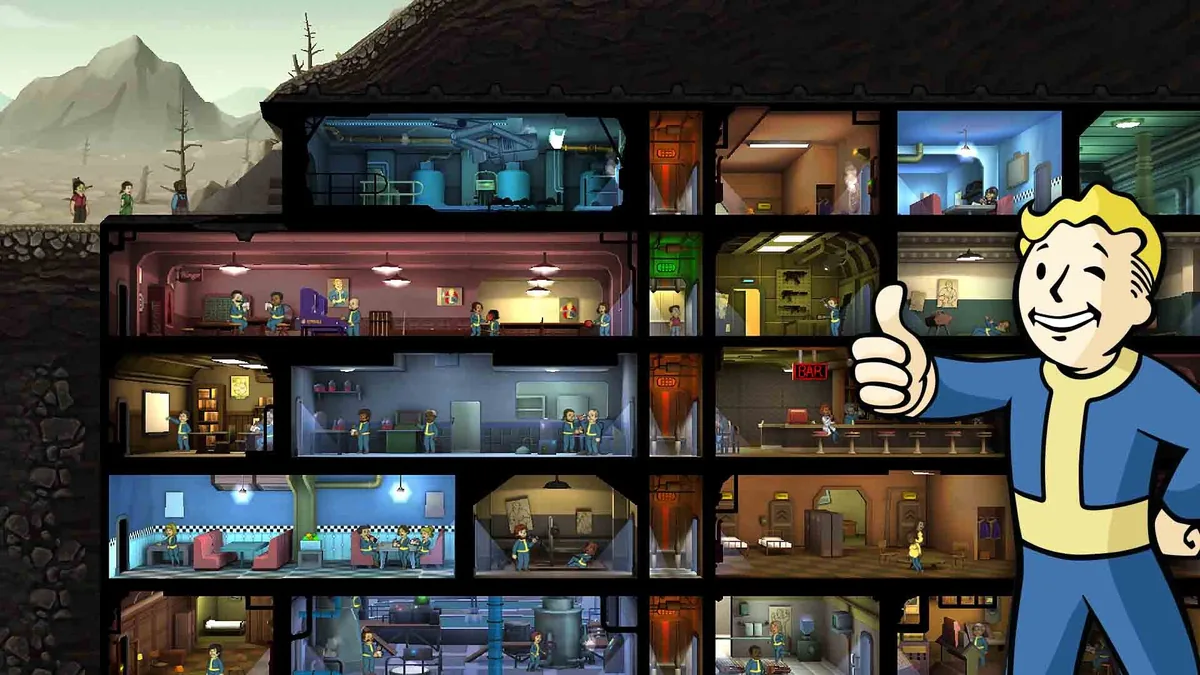
The sequence is a planning model, not a claim that one layout makes the vault immune.
Put useful workers where the fight starts
A power room is a common early choice because it is usually staffed and important, but it is not mandatory. The right first room is the room where you can keep several capable workers without breaking resource production. A half-empty upgraded room can be worse than a smaller, fully staffed room because the incident lasts longer while your production and defense are both weak.
Keep empty and low-priority rooms away from the invasion path
Storage, living quarters, training rooms, and workshops can all be useful, but they are not ideal first contact rooms when they are empty or occupied by weak dwellers. Keep new trainees, low-level workers, and rooms that you rarely need away from the entrance whenever the vault allows it. For a complete early-to-late vault plan, use the existing Fallout Shelter first-floor layout guide and apply its room-grouping advice to your actual population.
Do not confuse a neat grid with a defense plan
Elevator symmetry, merged rooms, and clean production floors make a vault easier to manage, but they are not an automatic Deathclaw shield. The important questions are whether the first room is staffed, whether the next response room is close, whether defenders have dependable damage, and whether your save can be restored after a bad experiment. Layout is risk reduction, not immunity.
How to Respond Room by Room
When an attack begins, resist the urge to redesign the vault or move every dweller at once. Use a simple response sequence that preserves your production and gives you a clear recovery point.
- Stop sending dwellers out. If the incident begins while a quest or expedition is being prepared, keep the strongest available home defenders in the vault. A traveling team cannot protect the entrance at the same time.
- Check the first room before chasing the attackers. Confirm that the room has enough healthy defenders and that weapons are distributed. A single perfect dweller is not a substitute for room-wide damage.
- Heal early rather than waiting for a red bar. A dead defender contributes no damage and can leave the next room exposed. Use medical supplies deliberately, then check whether production can replace them.
- Reinforce the next room. If the incident moves onward, send the nearest capable dwellers instead of pulling every worker from every floor. Keep essential resource rooms staffed when the fight is already under control.
- Do not send trainees into the entrance just because they are nearby. A low-level dweller can become a healing burden. Use a trained response group and leave training rooms stable whenever possible.
- Let the vault settle before making a second change. After the incident, heal, collect the surviving resources, close and reopen the game if you are testing a save, and confirm the vault remains stable before changing layout or equipment.
.sav, any .sav.bkp file, older manual copies, and cloud versions using the Fallout Shelter save repair guide.Weapons, SPECIAL, Outfits, and Healing Priorities
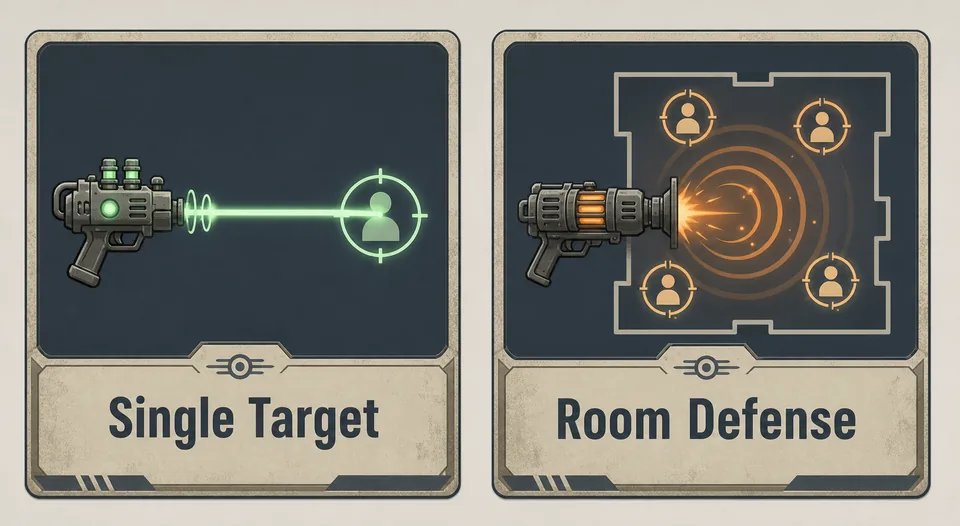
Players often search for the best weapon against Deathclaws, but the useful answer is role-based. The entrance room needs sustained shared damage, healthy defenders, and enough healing. A single maximum-damage weapon can help, but it does not fix an empty room, an away team, or a shortage of Stimpaks.
| Priority | What to look for | What not to assume |
|---|---|---|
| Weapon damage | Reliable damage spread across the first room and the backup room. | One rare weapon automatically protects a room full of weak or missing defenders. |
| Health and Endurance history | Dwellers that can survive long enough to receive healing and keep attacking. | A high current SPECIAL total guarantees high health or perfect survivability. |
| Useful outfits | Outfits that support the dweller's actual role without removing a better combat item. | The largest displayed SPECIAL number is always the best defense choice. |
| Stimpaks | A buffer for the entrance team and the next room, with production still functioning. | Healing can be ignored because the incident will always end in the first room. |
For a fuller equipment comparison, see the existing Fallout Shelter best weapons and outfits guide. For stat roles, use the SPECIAL stats guide. Those pages cover the item and stat boundaries in more detail; this guide is about assigning them to the home-defense job that exists when Deathclaws arrive.
What to Do If Deathclaws Killed Everyone
If an incident wipes out a large part of the vault, the recovery mistake is usually more damaging than the attack itself: players overwrite the only copy, launch the game repeatedly, or let a cloud service replace the file before they know which version was healthy. Freeze the state first.
- Close the game and copy the entire save folder. Do not rename or delete the only active file while troubleshooting.
- Keep the current file separate from older files. Label copies with the date and platform so you can tell which one was tested.
- Look for a
.sav.bkpbackup, exported file, or older working copy. A backup is useful only when you preserve it before trying a restore. - Check cloud conflicts. Steam Cloud or mobile cloud can restore an older copy and make a valid local repair appear to fail. Read the cloud save, backup, and transfer guide before enabling sync again.
- Test the cleanest copy without extra edits. If it loads, save and close the game normally before attempting a small change.
- Use the browser editor only on a copy. If you need to correct a value, edit one small category, download the edited file, and keep the original untouched.
Can You Disable Deathclaw Attacks?
Do not treat “disable Deathclaws” as a normal official setting. Some search results use cheat, mod, or save-edit language, but an unverified toggle can create a second problem: a vault that loads incorrectly, a cloud conflict, or a third-party package that has nothing to do with the official game. The safer approach is to control population growth, improve the entrance, and keep a recoverable backup.
If your real goal is to test a layout or equipment change, use a copied save and make one controlled edit. Do not max every dweller, remove every incident state, or paste extreme values into a mature vault simply to avoid one attack. The existing save editor max values guide explains why practical ranges and small batches are safer than the largest number a field accepts.
Fallout Shelter Deathclaw Attacks FAQ
When do Deathclaws attack in Fallout Shelter?
Community references commonly use about 60 dwellers in normal mode and about 35 in Survival mode as the point where Deathclaw attacks can become possible. Treat those numbers as preparation boundaries, not an exact countdown or guaranteed schedule.
What is the best way to survive Fallout Shelter Deathclaw attacks?
Keep a fully staffed, well-armed room immediately after the vault door, reserve a second home-defense group, keep Stimpaks available, and avoid sending every strong dweller out at the same time. A recoverable save matters as much as the first weapon choice.
What should I do if Deathclaws killed everyone in my vault?
Stop overwriting the current file, copy the whole save folder, check for Vault#.sav.bkp or another known-good copy, and test a restore before using the editor. If the vault still will not load, follow the save-repair and cloud-conflict steps linked above.
Can I disable Deathclaw attacks?
Do not assume there is an official permanent disable switch. Control population growth, prepare the entrance, and use reversible backups instead of relying on an unverified mod or extreme save edit.
Should I send my best dwellers on quests after Deathclaw attacks begin?
Yes, but only after you can leave enough healthy, armed dwellers at home. A quest team that leaves the vault without a replacement defense group creates the exact weakness that makes the next incident dangerous.
Final Deathclaw Defense Checklist
Before expanding a vault near the population boundary, confirm that the first occupied room is useful and full, the next room can reinforce it, your best weapons are spread across the response group, medical supplies are not empty, and a manual save copy exists outside the active game folder. That checklist answers the practical part of Fallout Shelter Deathclaw attacks better than a promise of one perfect layout.
Deathclaws are a reason to make the vault more deliberate, not a reason to start over automatically. Build the entrance for response time, keep training and low-occupancy rooms away from first contact, protect your home team while explorers travel, and test every save edit on a copy. If the incident still goes badly, stop overwriting files and switch to recovery mode.
Sources and Media
- Official Fallout Shelter Steam store — official game context and screenshot source.
- Official Fallout Shelter site — official game and platform context.
- Community Q&A on Deathclaw attack thresholds — community reference, not an official schedule.
- Third-party incident guide — additional community-facing preparation context; not presented as an official source.